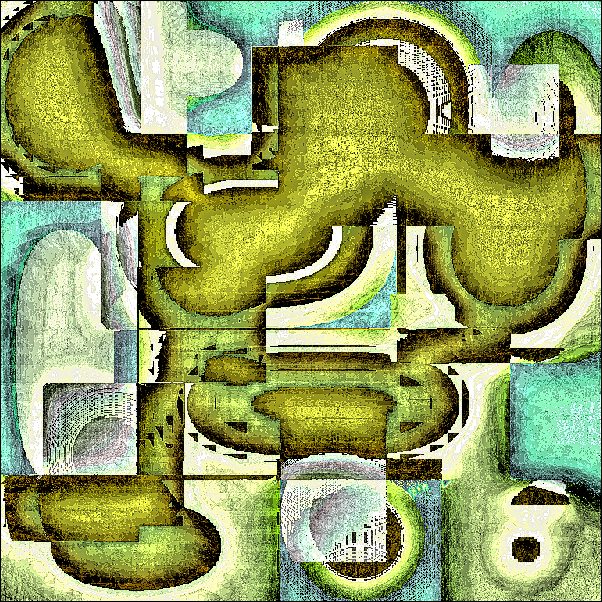
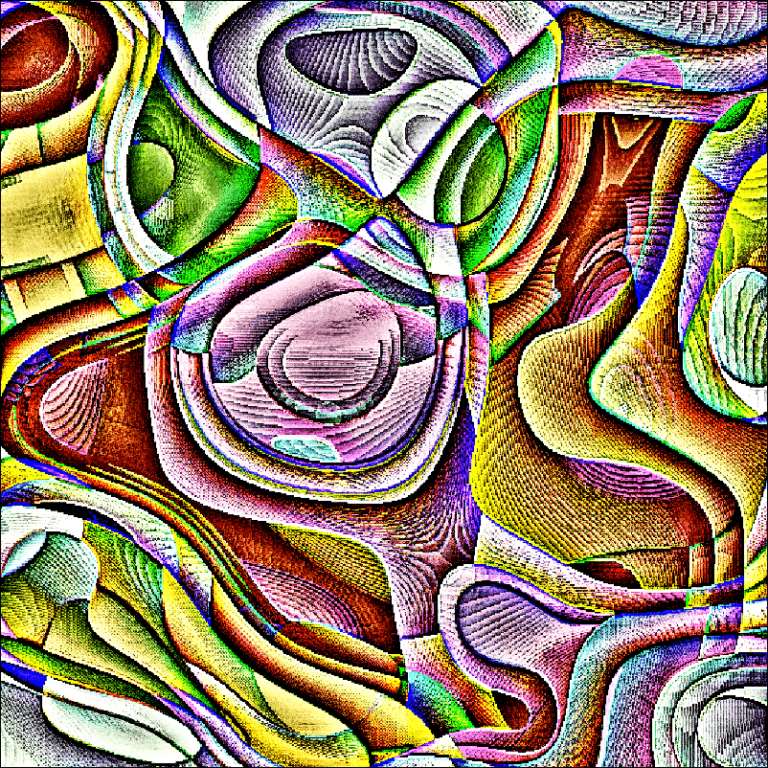
Hover your cursor over each image to see its title.
Click on an image to see it full size and launch a slideshow.
________________________________________________________________________
Artist’s Notes:
I create abstract digital art using several computer programs. I start by creating a graphic file in Inkscape and then use other programs to mess that file up until something happens to it that I perceive to be art. For me, it’s all about being pleasantly surprised. And there are no brushes to clean up afterwards.
Too grungy? Perhaps. All the software I use cost nothing except for Corel Photo-Paint, part of Corel Draw version 3, first purchased in 1992 and upgraded to version 10 in 2000. I had money then and could also afford acrylic paints and large stretched canvases. Now I can only afford a big box of pixels occasionally.
I print these out as 8″ x 8″ images on glossy photo paper, glue them to 8″ x 8″ x 1/2″ Styrofoam blocks, and attach a sawtooth picture hanger on the back using Gorilla glue. Then I hang them all over my place. They weigh practically nothing. A sudden breeze coming through the open windows might blow them off the walls, giving my guests a new way to interact with art.
_______________________________________________________________________
These pieces were originally posted on Open Arts Forum in 2019, but they were never published on the Front Page until now.